
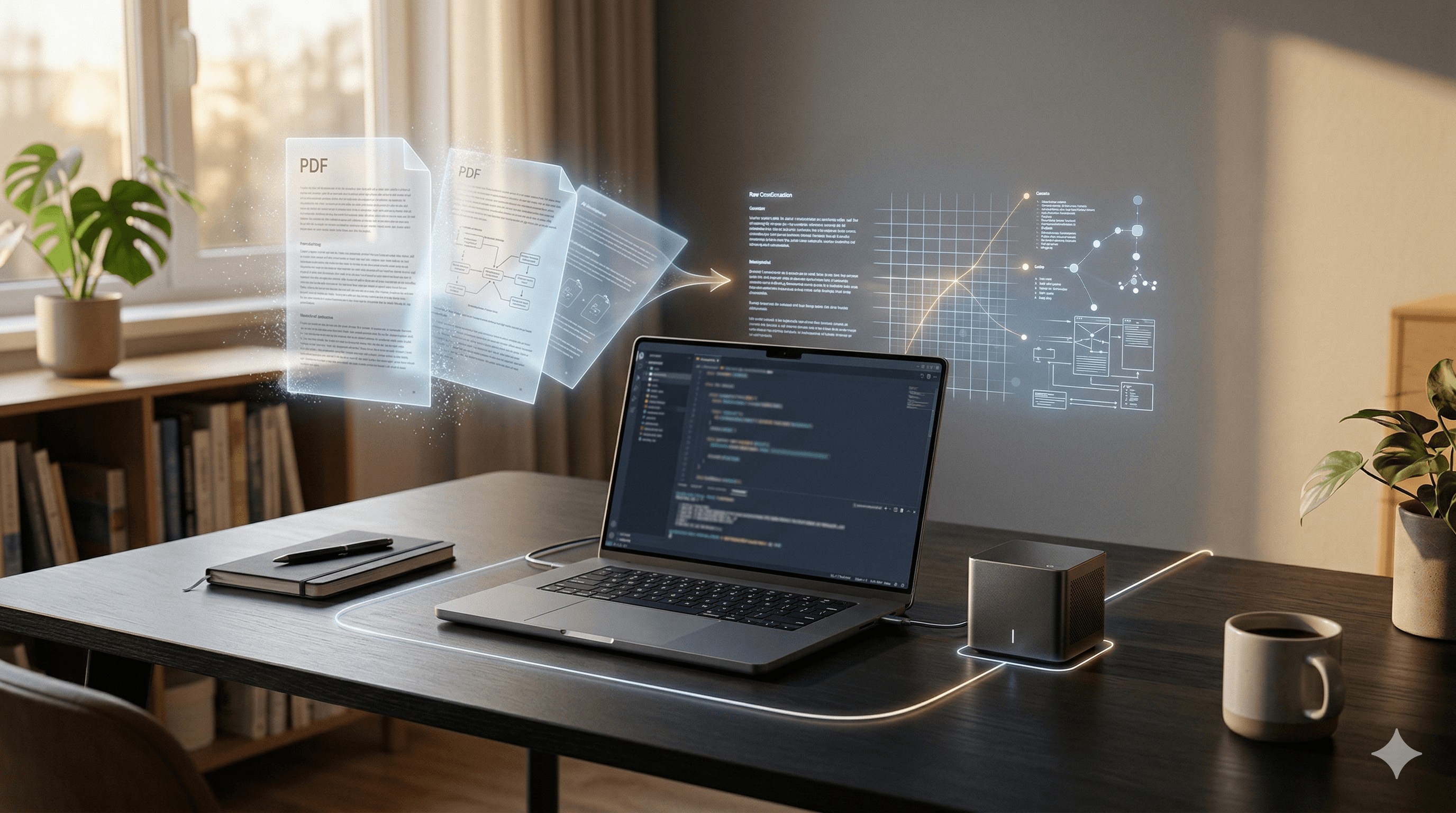
This weekend I spent about six hours building a full AI document processing platform. Upload a PDF, get OCR extraction, semantic embeddings, vector search, and a conversational agent that can explore your documents and cite its sources. The whole thing runs on hardware sitting on my desk. No cloud. No API key with a usage meter ticking. No third party ever saw my data.
I tested it by uploading my resume and a handful of local PDFs. Watched GLM-OCR pull structured markdown out of every page, watched the embeddings land in Qdrant, then asked the agent questions about my own career history. It cited the page numbers. Bit surreal having a conversation with your own resume, but it worked.
The hardware? A MacBook Pro with an M5 Max and 128GB of unified memory, and an NVIDIA DGX Spark sitting next to it. Total cost roughly what a mid-size company spends on cloud AI services in two months. Except my hardware doesn't send me a bill every 30 days, and nobody changes the model I'm running at 2am on a Tuesday.
This is AiOcr, a six-hour project built with Aspire, open weight models, and the radical notion that maybe not everything needs a trillion parameters.
Why This Matters More Than a Weekend Demo
I built this in about six hours over the weekend. One person, some hardware I already had. That's the part worth paying attention to.
If one developer can stand up a document processing pipeline with OCR, semantic search, and a conversational agent in a few hours, what does a small team accomplish in a week? In a month? How many expensive per-page cloud OCR contracts start looking questionable? How many "we need an enterprise platform for that" conversations end differently when someone can prototype the whole thing over a long weekend?
This wasn't about solving document processing forever. It was about proving what's possible when you combine capable local models with modern tooling and stop assuming you need a massive infrastructure budget to do AI work.
The Hardware
Two pieces of hardware handle the entire workload.
The M5 Max MacBook Pro with 128GB of unified memory hosts the heavy models. With 614 GB/s memory bandwidth, large language models that would choke a traditional GPU setup run smoothly. It handles GLM-OCR for document extraction and Gemma 4 at 31 billion parameters for the conversational agent. Apple's unified memory architecture means the GPU and CPU share the same memory pool, so you're not shuffling tensors across a bus. You're just running inference.
The NVIDIA DGX Spark sits on the local network running Ollama for embedding generation. Its Blackwell GPU with 1 petaFLOP of FP4 compute tears through the qwen3-embedding model at 8 billion parameters. At roughly $4,700, it's a personal AI supercomputer in something the size of a Mac Mini. I could fit it in a lunchbox, though I wouldn't recommend eating near it.
Both machines communicate over the local network. The Mac hosts the application and the inference models. The Spark handles embeddings. No traffic leaves the building. My ISP has no idea I'm running an AI platform, and I'd like to keep it that way.
What AiOcr Does
The workflow is simple from the user's perspective: upload a PDF, get searchable, queryable, conversational access to its contents.
Under the hood, the pipeline has more moving parts. When you upload a document, the system stores the PDF in MinIO, renders each page to a high resolution PNG using PdfPig and Skia, then submits those images to an OCR processing queue. GLM-OCR extracts structured markdown from every page. The embedding service chunks that markdown and generates 4096-dimensional vectors via qwen3-embedding. Qdrant indexes everything for semantic search. Once processing completes, you can search across documents using natural language or open a conversational agent powered by Gemma 4 that explores your documents like a knowledgeable colleague, citing specific pages and documents as it goes.
Here it is in action:
The source is public: github.com/csharpyoudull/AiOcr
The Models: Where the Trillion Parameter Myth Falls Apart
GLM-OCR from Zhipu AI weighs in at 2.2GB on disk. That's it. It scored 94.62 on OmniDocBench, ranking first overall and beating Qwen3-VL-235B, a model with 260 times more parameters. Let that sink in. A model that fits on a thumb drive outperforms one that needs a small data center. It handles tables, formulas, code blocks, footnotes, watermarks, and multi-column layouts. It outputs clean GitHub Flavored Markdown. For OCR, it is absurdly good at its job because that is the only job it was designed to do.
Gemma 4 at 31 billion parameters is Google DeepMind's dense model, released under Apache 2.0. It powers the conversational agent with a 256K context window, configurable thinking modes, and native function calling. It searches the vector database, retrieves page content, and synthesizes answers with citations. Is it GPT-4? No. Does it need to be for exploring a collection of financial documents? Also no.
qwen3-embedding at 8 billion parameters handles semantic embedding generation, producing the vectors that make natural language search actually work.
The point isn't that big models are bad. If you need to reason across the entire internet's knowledge, reach for the biggest thing available. But for focused tasks like OCR, domain-specific chat, and embedding generation, smaller open weight models running locally aren't just competitive. They're often better, and they're always cheaper after the initial hardware investment.
The industry spent the last few years convincing us that AI requires a power plant and a prayer. Turns out, for a lot of real workloads, it requires a desk and a power strip.
The Architecture
AiOcr is built on .NET 10 with a strict vertical slice architecture. Every feature is a self-contained folder: one endpoint, one handler, one validator, one response type. No shared repositories. No cross-feature dependencies. No clever abstractions that look elegant in a diagram and confuse everything trying to read the codebase. If you've read my previous post on the token tax of abstractions, you know where I stand on this.
Features/
  Documents/
    UploadDocument/
      UploadDocumentCommand.cs
      UploadDocumentEndpoint.cs
      UploadDocumentHandler.cs
      UploadDocumentResponse.cs
      UploadDocumentValidator.cs
    GetDocument/
    ListDocuments/
    DeleteDocument/
  Search/
    SearchDocuments/
The processing pipeline is entirely asynchronous via RabbitMQ. Upload triggers document processing, which renders pages and publishes individual OCR jobs, which extract text and generate embeddings. No worker blocks on another. If the OCR queue backs up, the upload endpoint doesn't care. If embedding generation is slow, OCR keeps working. Workers acknowledge messages only after successful processing, so nothing gets lost if a worker crashes mid-page.
MongoDB stores document metadata and page content. MinIO handles blob storage. Qdrant serves as the vector database. Seq provides observability. The conversational agent streams responses over SignalR using IAsyncEnumerable for real-time token delivery. All of it orchestrated by Aspire.
Aspire: Not Just a Cloud Framework
Most people think of Aspire as cloud tooling. It orchestrates distributed applications, manages service discovery, wires up telemetry, handles health checks. All the things you need when deploying to Azure Container Apps or Kubernetes.
What fewer people have noticed is that Aspire is equally powerful for local and on-premises deployments. Maybe more powerful, because it solves the hardest problem with on-prem: getting a dozen services to find each other and play nice without a team of DevOps engineers and a YAML file the length of a novella.
In AiOcr, the AppHost defines every resource: MongoDB with authentication, RabbitMQ with management UI, Qdrant with API keys, MinIO for blob storage, Seq for logs, the API project, and the React frontend. One dotnet run and everything is up, connected, and observable through the Aspire dashboard. Data volumes persist across restarts. Services wait for their dependencies before starting. Secrets stay in user secrets, not in code.
This is what makes Aspire interesting beyond the cloud story. As companies start asking hard questions about where their data lives, who has access to it, and why their AI bill looks like a mortgage payment, the tooling for running sophisticated distributed applications on your own hardware matters. Aspire doesn't care if it's deploying to Azure or to the server rack in your office. The developer experience is identical.
I'll say it plainly: Aspire is the best thing to happen to on-premises infrastructure in a decade. Not because Microsoft designed it for that purpose, but because good distributed application tooling is agnostic about where it runs. And right now, a lot of organizations are realizing they want it running closer to home.
Building This with AI (Yes, the Irony)
Using AI tools to build an AI application has a certain recursive quality that I find amusing. The project uses Claude Code with a set of curated skill files that encode the project's architectural patterns. Vertical slice conventions, Aspire wiring patterns, MongoDB modeling rules, C# code review standards. These skills act as institutional knowledge that keeps the AI assistant aligned with how the project is actually built.
This is the knowledge base pattern I wrote about previously. The skill files aren't just documentation. They're guardrails that mean every feature Claude generates follows the same conventions, uses the same patterns, and produces code that looks like it belongs in the codebase. What would have taken weeks of integration work, wiring up queue consumers, configuring vector databases, building streaming chat infrastructure, gets done in days. Not because the AI writes perfect code, but because it handles the mechanical work while I focus on the decisions that actually require judgment.
The cruel joke of modern software development is that the boring parts were always the expensive parts. Integration code, data mapping, boilerplate handlers, validation plumbing. AI doesn't eliminate the need for architecture. It eliminates the tax you pay to implement it.
The Bigger Picture
We are at an inflection point that most people in the industry are either ignoring or actively trying to sell you away from. Open weight models are competitive with proprietary ones for a growing list of tasks. Hardware capable of running them locally costs less than a year of cloud AI services for many workloads. Frameworks like Aspire make running distributed applications on your own infrastructure as smooth as deploying to the cloud.
None of this means the cloud is dead. There are workloads that belong there, training large models chief among them. Cloud still holds roughly half the AI infrastructure market. But on-premises sits at 35 to 39 percent and hybrid is the fastest growing segment as companies figure out that not everything belongs in someone else's data center. The assumption that every AI workload requires cloud infrastructure is increasingly wrong, and organizations dealing with data sovereignty, regulatory compliance, or just plain budget math are figuring that out fast.
The conversation is shifting from "how do we get to the cloud" to "what should actually be in the cloud." Right-sizing isn't just corporate speak for cutting costs, though it certainly does that. It's a strategic decision about where your data lives, who controls your models, and what happens when your cloud provider decides to change their pricing, deprecate the model you depend on, or experience an outage during your busiest quarter.
With a few thousand dollars in hardware, a developer can run multiple production-grade AI models locally, process documents without data ever leaving the building, and build applications that would have required a dedicated ML team and a substantial cloud budget just two years ago. That's not a minor shift. That's the democratization of AI infrastructure happening in real time, on real desks, by real developers who got tired of watching the meter run.
Try It
The full source is on GitHub: github.com/csharpyoudull/AiOcr. Clone it, poke at it, break it. If you have an M-series Mac or a DGX Spark, you can run the whole thing. If you don't, Ollama runs on pretty much anything, and smaller model variants work on surprisingly modest hardware.
The interesting question isn't whether this approach works. It does. The interesting question is what you'd build if you stopped assuming that AI requires someone else's infrastructure.
Building something similar or want to argue about model sizes? Find me on LinkedIn.